

Manage Site Speed for SEO with Google and Pubperf
Transfon Team
3 min read


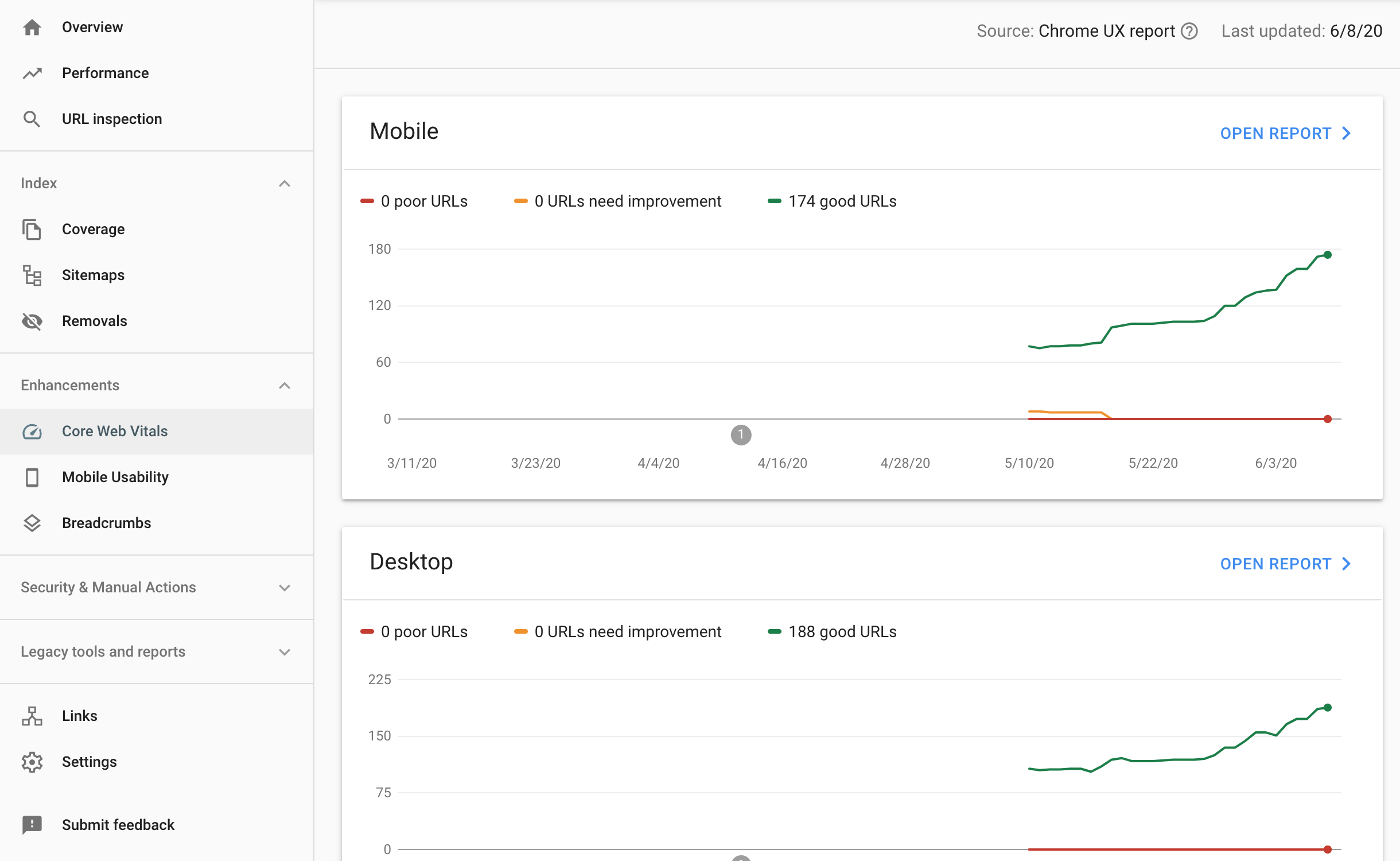

Google has released a video about the impact of site speed for website SEO in a special episode about page speed and SEO: 'Site Speed: What SEOs Need to Know #AskGoogleWebmasters' session recently. You can see the full discussion here:
Depends on the content type, a faster loading webpage ranks better than the slow ones if it impacts the user experience.
Google collects website speed data across the internet and also your website, then compare the data collected from the users visiting your website with the average data to determine if your website is fast or slow.
The video mentioned several site speed measurement tools and several important factors about website speed:
TTI: Time to interactive; FCI: First CPU Idle; FID: First input delay. Note: Google has since replaced FID with Interaction to Next Paint (INP) as the responsiveness metric in Core Web Vitals.
The recommendation isn't to trust a specific testing result but test in a more scientific way: run multiple times and get the average result score.
What to do or how to know and manage the site speed of my website?
Step 1: Use your common sense
Do you feel slow when visiting your website compare with visiting the other websites? If so, there might be a page speed issue of your website. It might worth investing and put more time on page speed and performance.
Step 2: Measure your page speed with Google Lighthouse and PageSpeed Insights
Google has the free tool Chrome page speed tool Lighthouse to get User experience report and Google PageSpeed Insights scores. For practical tips on achieving a 90%+ Lighthouse score, see our Lighthouse performance guide.
You can use this free tool by Google to get a page speed score of your webpage. Remember to clear cache before running the test and also run multiple times and get the average result.
You can also use the following tools to measure Web Performance:
Real User Performance Monitoring
Step 3: Keep monitoring the page speed with Pubperf tools
'Lighthouse Performance Snapshot' and 'Synthetic Performance Monitoring'
You are able to track the page speed and website performance day by day with these two features of pubperf website user experience management suite. The testing is done automatically, you just have to view or download the report once a week or month.
Go beyond one-off PageSpeed tests. Pubperf continuously monitors your site speed and gives you hands-on SEO performance data so you never miss a regression.