

Why Your Ad Revenue Dropped: A Publisher's Diagnostic Guide
Transfon Team
10 min read


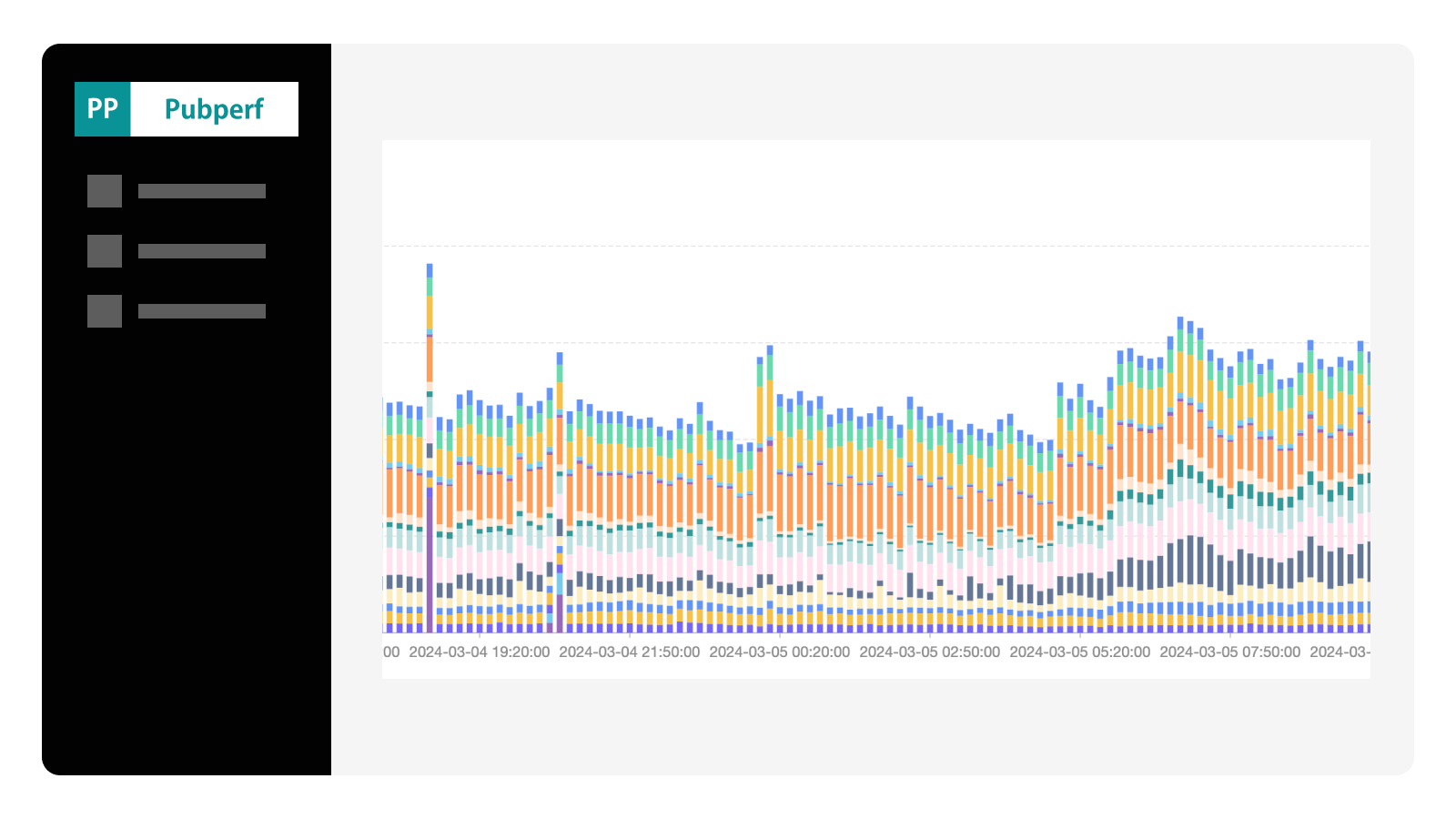

Few things cause more panic than watching your ad revenue graph plummet. The instinct is to start making changes immediately — adding bidders, adjusting floor prices, tweaking ad layouts. But making changes without first understanding the root cause often makes things worse. This guide gives you a systematic framework for diagnosing exactly what went wrong, so you can fix the right problem instead of creating new ones.
The Revenue Drop Diagnostic Framework
Before diving into diagnostics, understand the bedrock revenue equation:
Revenue = Traffic x Fill Rate x eCPM
Any revenue drop must be caused by a decline in one or more of these three factors. Your diagnostic process should determine which factor (or combination) is responsible, and then drill down into the specific cause.
The importance of having baseline data is hard to overstate. If you do not know what "normal" looks like for your main metrics, every fluctuation looks like a crisis — or, worse, a real crisis looks like normal variation. This is why continuous monitoring with a tool like Pubperf is important: it establishes the baselines that make diagnosis possible.
Step 1: Is It a Traffic Drop?
Traffic is the multiplier for everything else. A 20% traffic decline will cause roughly a 20% revenue decline even if eCPMs and fill rates are unchanged. Always check traffic first.
Check Your Analytics
Start with your web analytics platform:
- Overall sessions and pageviews: Are they trending down compared to the same period last week or last month?
- Traffic source breakdown: Which channel dropped — organic search, direct, social, referral, or paid?
- Geographic distribution: Did traffic from high-value regions (US, UK, Western Europe) decline while overall traffic stayed flat?
If the traffic decline is organic search-specific, check Google Search Console for:
- Impressions and clicks trending down for your main queries
- Ranking drops for specific pages or sections
- Manual actions or security issues flagged by Google
Account for Seasonal Patterns
Many publishers see a traffic dip in certain seasons. Don't confuse a normal seasonal pattern with a problem that needs fixing. Compare your traffic to the same period in previous years, not just the previous week.
Check Core Web Vitals
Did a recent site change — a new theme, a JavaScript update, a layout change — degrade your page performance? Performance degradation can trigger ranking declines with a lag of days to weeks.
Use Pubperf to compare your Core Web Vitals trends with your traffic trends. If CWV scores started declining two weeks before the traffic drop, the performance regression is your likely culprit. See our guide on how ads affect Core Web Vitals for specific optimization strategies.
Step 2: Is It a Fill Rate Drop?
Fill rate measures the percentage of ad impressions that are actually filled with a paid ad. A fill rate decline means fewer of your available impressions are monetized, even if traffic is stable.
Check Bidder Participation
If you are running header bidding, your fill rate depends on demand partners actively bidding. In your Pubperf prebid analytics dashboard, check:
- Bid rates per bidder: Is a specific bidder's bid rate noticeably lower than usual?
- Total bid volume: Are you receiving fewer bids per auction overall?
- New bidder errors: Did any bidder adapter start throwing errors?
A single bidder going silent can cause a noticeable fill rate drop, especially if that bidder was a real contributor. Pubperf's real-time monitoring makes these silent failures visible immediately rather than hiding them in aggregated daily reports.
Check Consent and Privacy Compliance
Consent management platform (CMP) updates are one of the most common and least obvious causes of fill rate drops. When your CMP changes how consent is collected or transmitted:
- Bidders may not receive valid consent signals, causing them to skip GDPR-affected impressions
- TCF string formatting changes can make consent unreadable to certain demand partners
- New privacy regulations (or new interpretations of existing ones) may cause bidders to opt out of certain geographies
How to verify: Check your CMP's consent rate (the percentage of users who provide consent). If this rate dropped, fewer impressions are eligible for personalized advertising, which directly impacts bid rates and eCPMs from most demand partners.
Check Ad Slot Configuration
Less common but still possible:
- Were ad slots accidentally removed during a site update?
- Did a responsive design change hide ad slots on certain screen sizes?
- Did lazy loading changes move ad slots further below the fold, reducing viewable impressions?
- Were any ad units accidentally set to inactive in your ad server?
Step 3: Is It an eCPM Drop?
If traffic and fill rates are stable but revenue is down, eCPM is the culprit. ECPM fluctuations are normal, but understanding the cause helps you determine whether action is needed.
Seasonal eCPM Patterns
Advertiser spending follows predictable cycles that create dramatic eCPM swings throughout the year:
- Q4 (October-December): Highest eCPMs of the year. Holiday shopping causes massive advertiser budgets, often pushing eCPMs 50-100% above annual averages.
- Q1 (January-March): Major eCPM decline. Advertiser budgets reset, holiday campaigns end, and spending is typically at its annual low. January can see eCPMs drop 30-50% from December peaks.
- Q2 (April-June): Gradual recovery as new budget cycles begin and summer campaigns ramp up.
- Q3 (July-September): Moderate eCPMs with a back-to-school bump in August-September.
The January cliff is real and normal. If your eCPMs drop 30-40% from December to January, this is market-wide advertiser budget rebalancing, not a problem with your setup. Do not make drastic changes to your ad configuration in response to normal seasonal patterns.
Market-Level Changes
Some eCPM changes are driven by macro factors beyond any individual publisher's control:
- Economic conditions: Recession fears or economic downturns cause advertisers to cut budgets across the board
- Privacy regulation changes: New privacy laws or browser-level tracking prevention reduce the data available for ad targeting, lowering the value of individual impressions
- Industry shifts: Advertiser budget migrations between channels (e.g., from display to CTV or social) can reduce demand for web display inventory
- Cookie deprecation and tracking changes: While Google reversed its Chrome cookie deprecation plans, Safari and Firefox already block third-party cookies, reducing eCPMs for traffic from those browsers
Bidder-Level Changes
If the eCPM drop is concentrated in a specific demand partner rather than across all bidders, the issue is bidder-specific:
- Check Pubperf: Is one bidder's winning eCPM a lot lower than its recent average?
- Floor price misalignment: Did you recently change floor prices? Floors set too high reduce bid competition; floors set too low allow demand partners to win at below-market rates.
- Demand partner budget exhaustion: Some bidders reduce bid aggressiveness after their monthly budgets are consumed
- Quality-related bid reduction: If your site's content quality metrics have changed, some demand partners may algorithmically lower their bids
Step 4: Is It a Technical Issue?
Technical issues are the most urgent category because they represent a complete failure to monetize, not just a reduction. They're also the most fixable.
Prebid.js Configuration Problems
- Timeout set too low: If you recently reduced your prebid timeout, high-value bidders may not have time to respond. Check your timeout rate in Pubperf — if it spiked after the change, your timeout is too aggressive.
- Adapter version incompatibility: After updating Prebid.js, some adapters may not function correctly with the new version. Check for adapter errors in your analytics.
- Floor price misconfiguration: A floor price change that accidentally applied to all ad units instead of the intended subset can dramatically reduce fill rates.
For help selecting the right analytics tools to catch these issues, see our guide to prebid analytics tools.
Page Speed Degradation
Slow pages directly reduce ad revenue through multiple mechanisms:
- Higher bounce rates: Users leave before ads render, generating zero revenue
- Fewer pageviews per session: Slow pages discourage browsing, reducing total impressions
- Lower viewability: Ads on slow pages are less likely to meet viewability thresholds
- Ranking declines: Performance degradation can trigger organic traffic drops over time
Check your Core Web Vitals metrics alongside your revenue data. If page speed degraded at the same time revenue dropped, there's your smoking gun.
JavaScript Errors
A broken ad stack can be completely silent from the user's perspective while costing major revenue:
- A JavaScript error that prevents Prebid.js from initializing on 15% of pageviews
- A race condition that causes the ad server call to fire before header bidding completes
- A third-party script conflict that breaks ad rendering in specific browsers
Browser console errors and Pubperf's error tracking can identify these issues.
Step 5: Build Your Recovery Plan
Once you've identified the cause, build a structured recovery plan:
Quick Wins (Day 1)
- Fix any identified technical errors — broken adapters, misconfigured floor prices, consent signal issues
- Revert recent changes that correlate with the revenue drop
- Re-enable any accidentally disabled bidders or ad units
Medium-Term Fixes (Week 1)
- Improve timeout settings based on Pubperf latency data — capture more bids without excessive delays
- Test adding new bidders to increase auction competition
- Review and adjust floor prices using win rate and eCPM data
- Audit your consent management flow end-to-end for each bidder
For detailed header bidding optimization strategies, see our Header Bidding Analytics Guide.
Long-Term Strategy (Month 1+)
- Diversify traffic sources to reduce dependence on Google organic search
- Improve Core Web Vitals to protect and grow organic traffic
- Build a performance monitoring habit with Pubperf alerts and weekly reviews
- Evaluate your content strategy for traffic growth opportunities
The Revenue Drop Diagnostic Checklist
Bookmark this checklist for the next time revenue drops unexpectedly:
Traffic checks:
- Compare traffic volume to the same period last week and last year
- Check Google Search Console for ranking or impression changes
- Review traffic source breakdown — which channels declined?
- Check Pubperf CWV trends for performance regressions
Fill rate checks:
- Verify all bidders are actively bidding (check bid rates in Pubperf)
- Confirm CMP/consent is passing correctly to all demand partners
- Check for ad slot configuration changes or visibility issues
- Review ad server for accidentally paused line items or ad units
eCPM checks:
- Check for eCPM drops at the individual bidder level
- Account for seasonal eCPM patterns (especially Q1 dips)
- Review recent floor price changes
- Check for market-wide eCPM trends across the industry
Technical checks:
- Review recent site deployments or Prebid.js updates
- Check for JavaScript errors in the ad stack
- Verify page load performance hasn't degraded
- Test ad rendering across browsers and devices
Conclusion
Revenue drops happen to every publisher. The difference between publishers who recover quickly and those who struggle for weeks is preparation: having the right monitoring in place, understanding your baselines, and following a systematic diagnostic process instead of making reactive changes that may compound the problem.
The single most powerful step you can take today is establishing continuous monitoring of your main metrics — traffic, bid rates, eCPMs, timeouts, and errors — so that when the next drop happens, you have the data to diagnose it in minutes rather than days.
Diagnose revenue drops in minutes, not days. Pubperf gives you real-time visibility into traffic, ad performance, and Core Web Vitals — everything you need to pinpoint the problem and fix it fast.